
Reasons to make NaboTV the one you open first
Every one of these works today. The list keeps growing.
Everything you watch, in one place
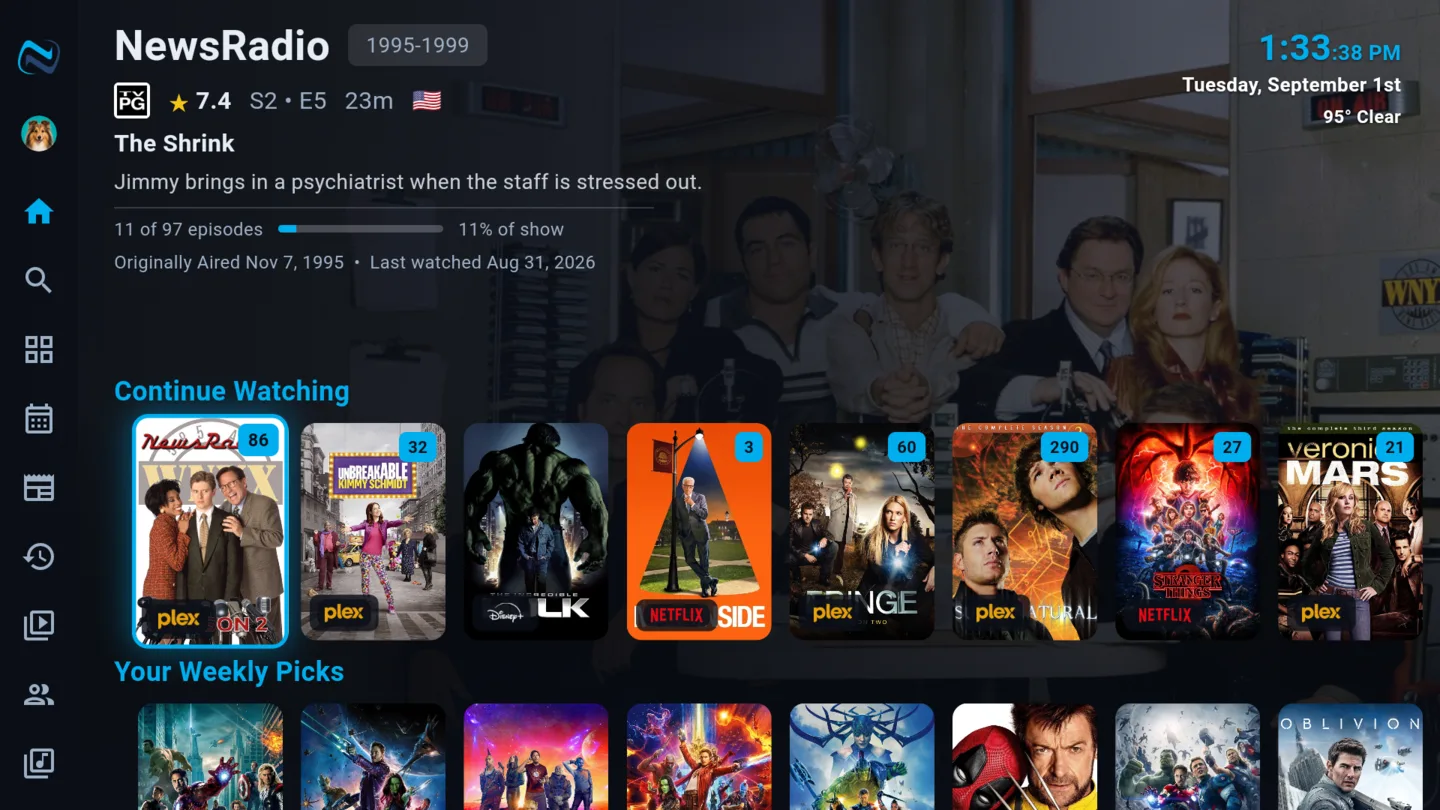
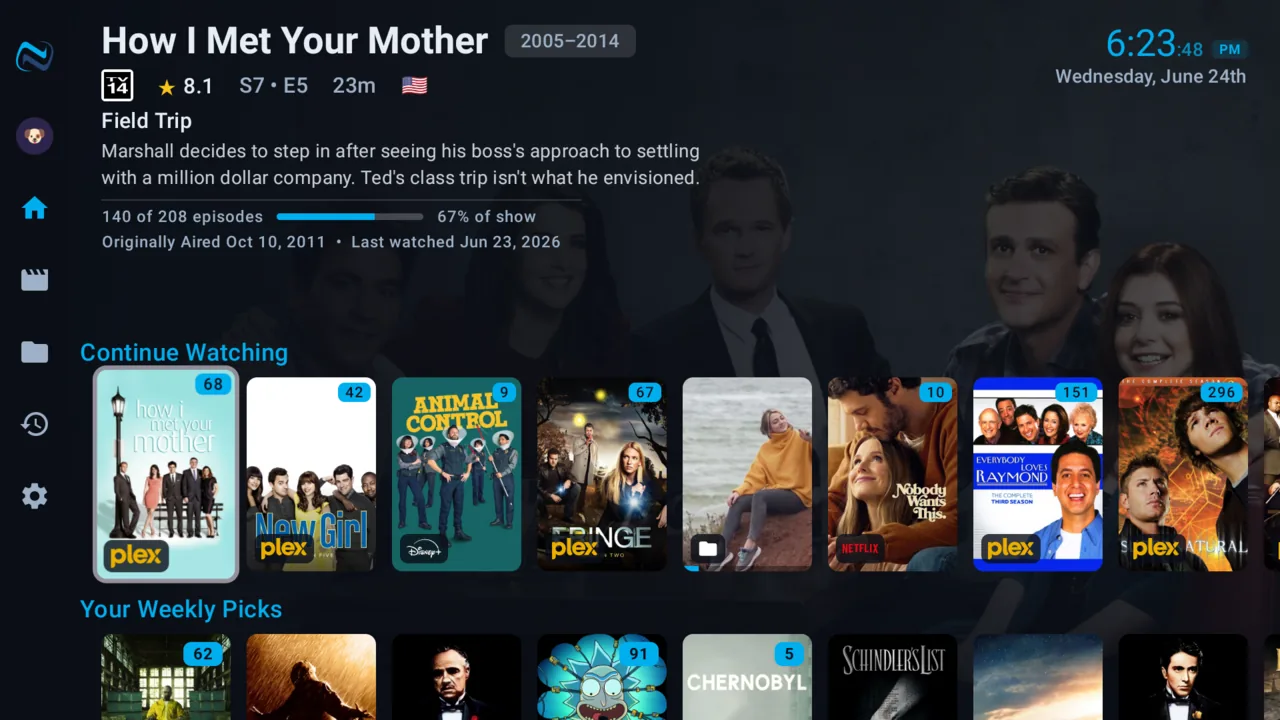
Continue Watching that actually continues. NaboTV reads your Plex, Emby and Jellyfin servers and the streaming services you already pay for, then puts the next thing to watch in one row - no matter which app it lives in. Finish an episode on Netflix and the show moves along here too.
- Two-way watch status with Plex, Emby and Jellyfin
- Streaming services you subscribe to, alongside your own library
- Pick up on any TV, phone or the web at the same spot
Watch a universe in the right order
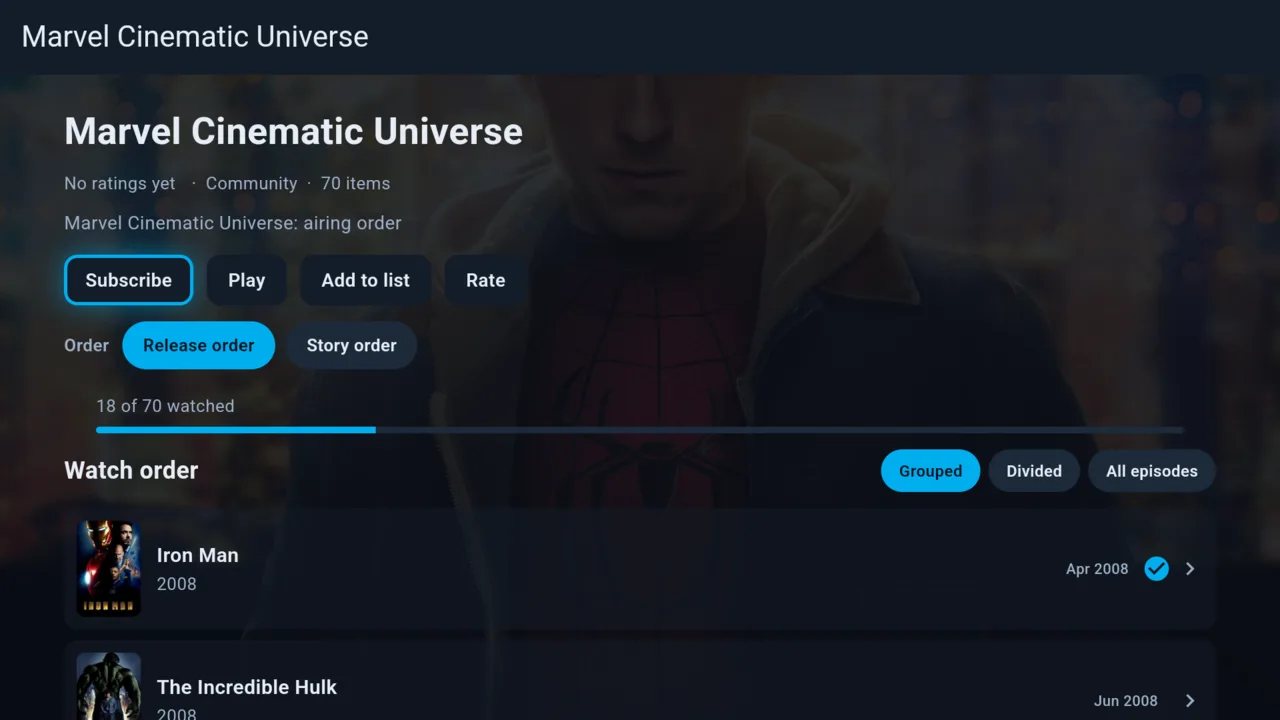
A franchise is more than a list of films. Collections put the Marvel timeline, a director's run, or a series-plus-its-movies into one ordered thing you can follow - and NaboTV keeps your place in it, hands you the next entry, and tells you when you have finished.
- Follow a collection and it feeds your next title automatically
- Release order, story order, or intermingled with the series
- Skip entries you have no interest in without breaking the run
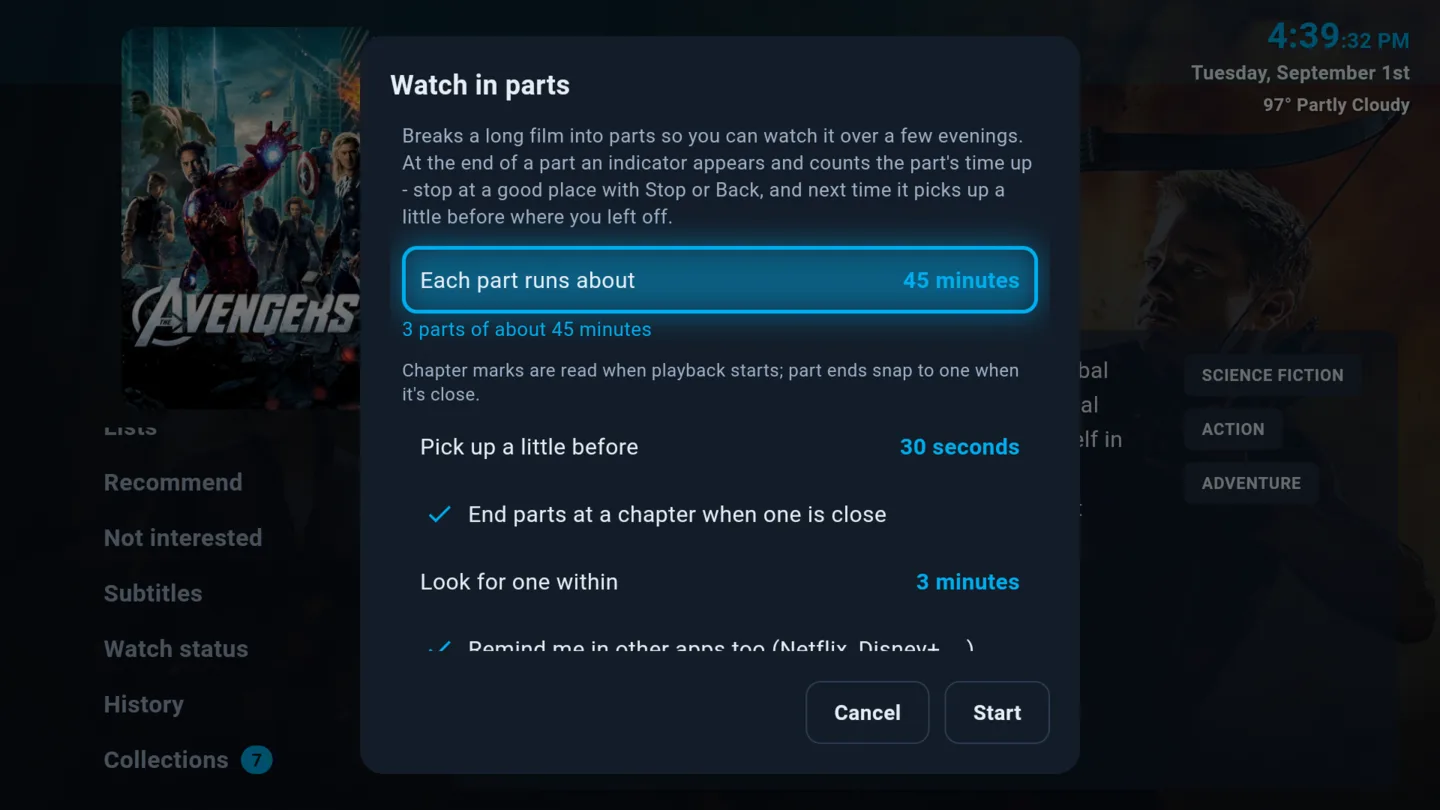
Watch long movies as episodes
Some films are a commitment. Episodic mode splits a long movie into episode-sized chapters so you can watch it across a few nights the way you would a series - it remembers exactly where you stopped and picks the next chapter up for you.
- Chapter-sized viewing for films that run long
- Your place is kept per chapter, not per file
- A gentle count-up rather than an abrupt stop
Knows when you fell asleep
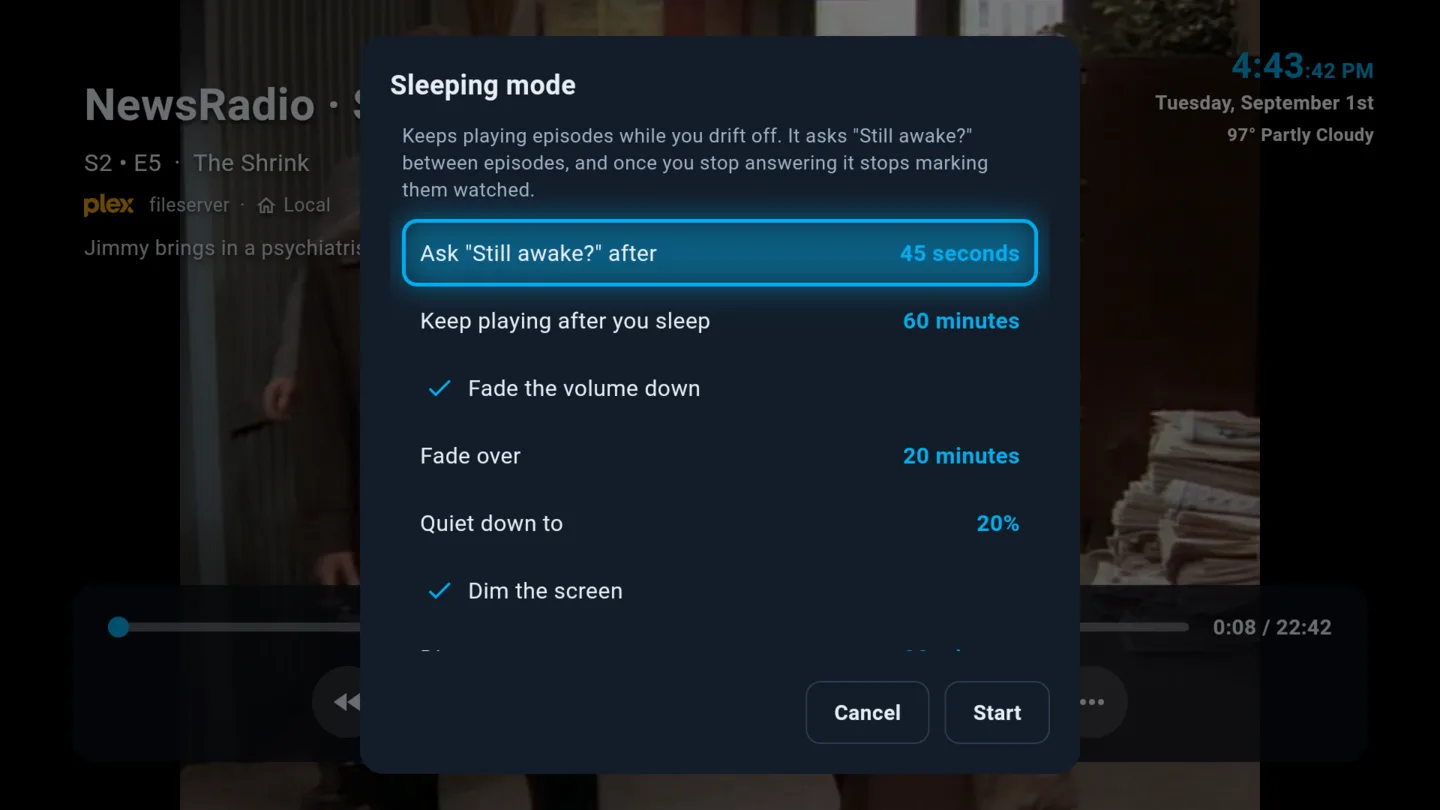
Every other player keeps counting. Doze off three episodes into a season and you wake up to a show that thinks you watched five, with no idea where you actually left off. NaboTV asks "Still awake?" between episodes, and the moment you stop answering it stops marking them watched. Continue Watching stays on the episode you dozed through, not wherever autoplay wandered overnight. Nothing else does this.
- Episodes you slept through are never marked watched
- Resume from where you actually fell asleep
- Audio fades toward a floor and the picture dims, instead of an abrupt cut
- Choose what happens when the timer expires
Play trivia on the TV together
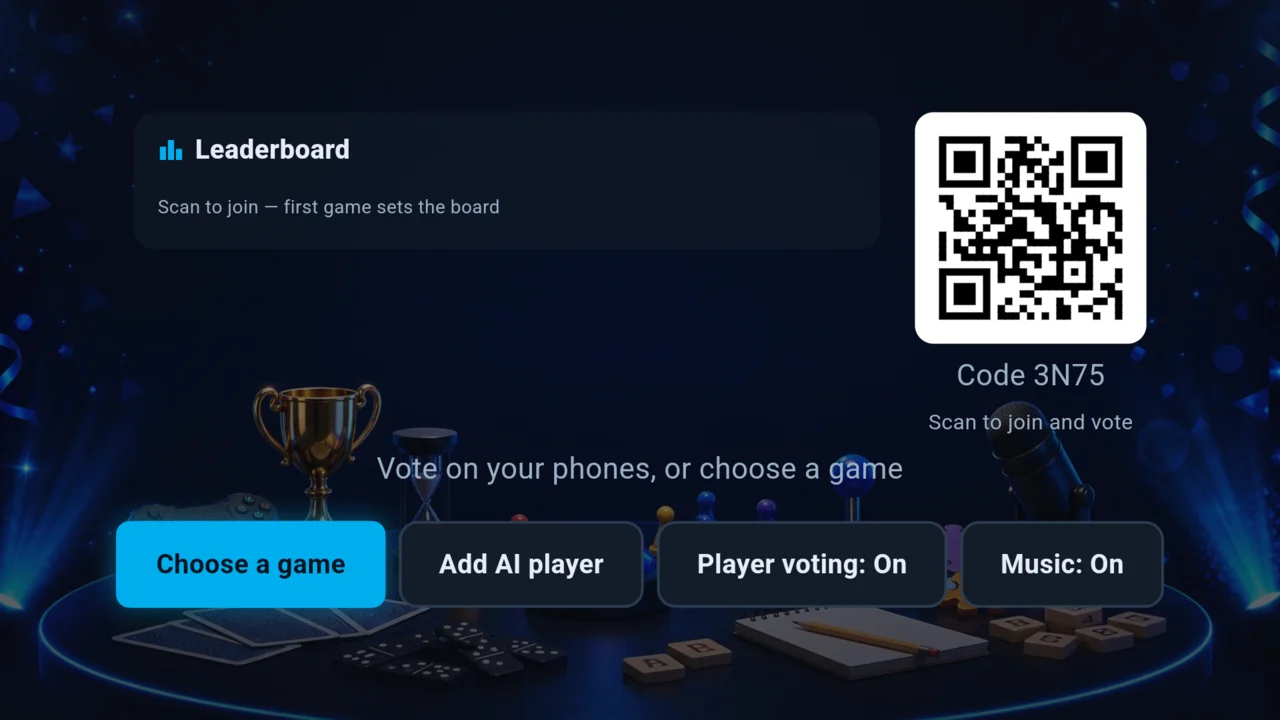
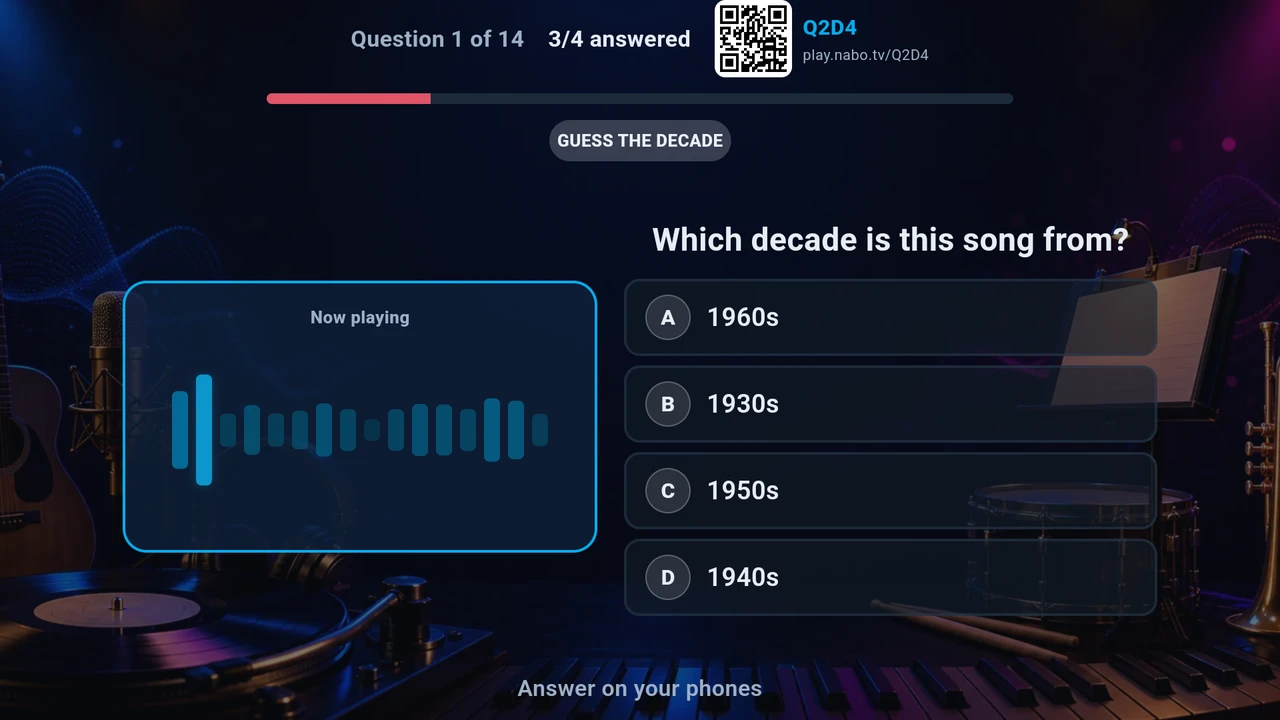
The TV is the board and every phone in the room is a buzzer. Start a game, share the room code, and play - no installs, no accounts, no controllers. Short a player? AI opponents fill the empty seats so the game never stalls.
- Tens of thousands of questions across categories and difficulties
- Join from any phone by scanning the code
- Audio rounds, picture rounds, and questions drawn from what you watch
Watch trailers, buy tickets
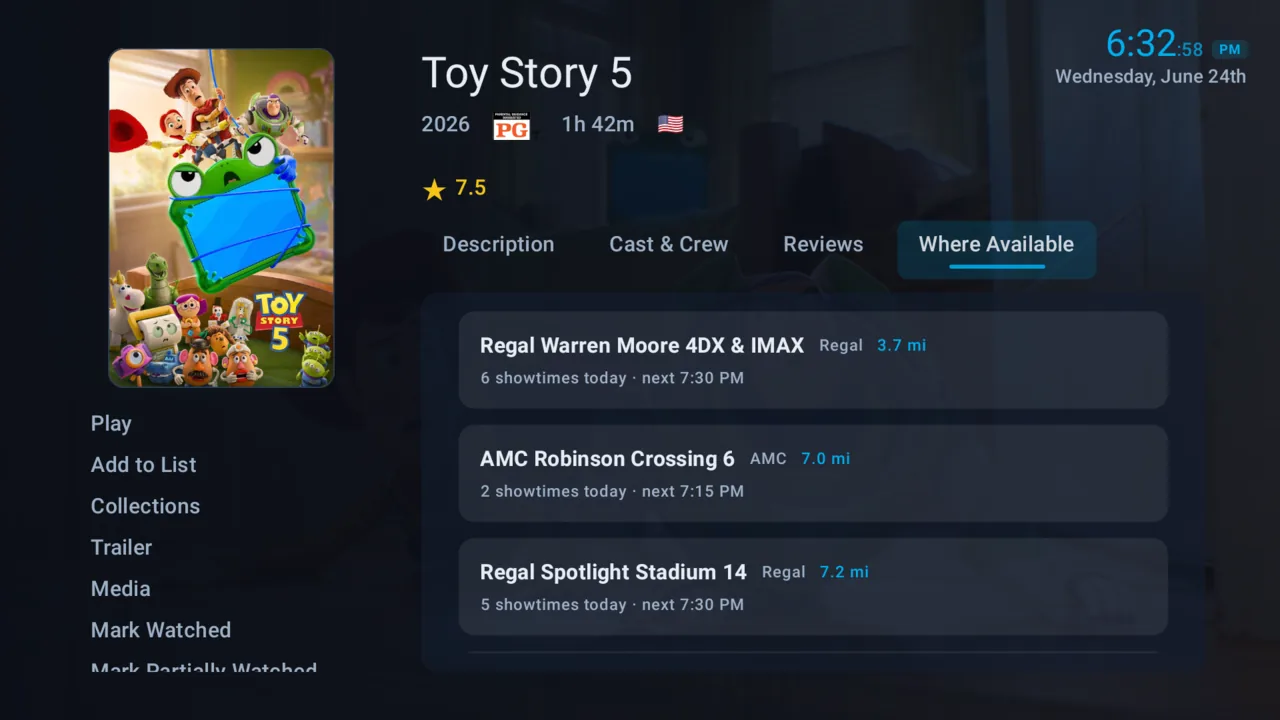
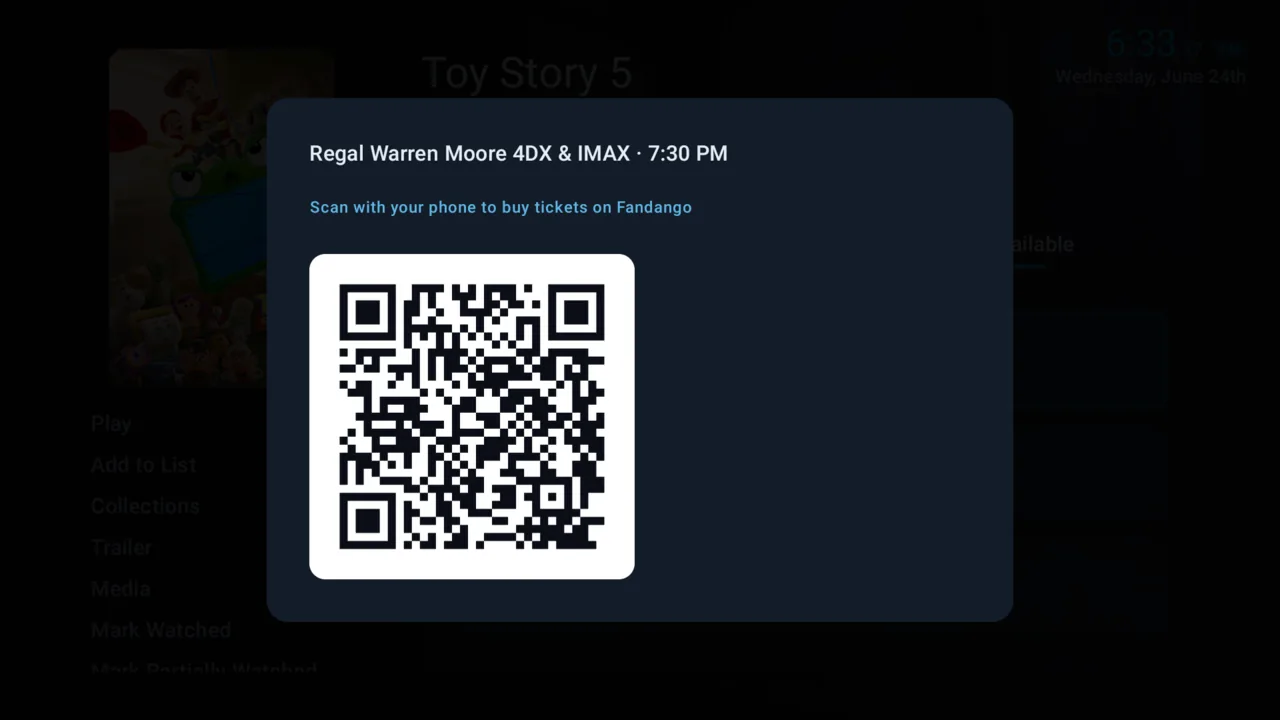
See what is coming, watch the trailer on the big screen, then find showtimes at the theaters nearest you and scan a code to buy. Or skip the cinema and mark it - NaboTV tells you the moment it lands on a service you already have.
- Showtimes sorted by how far away the theater is
- Scan-to-buy, so no one types a card number into a TV
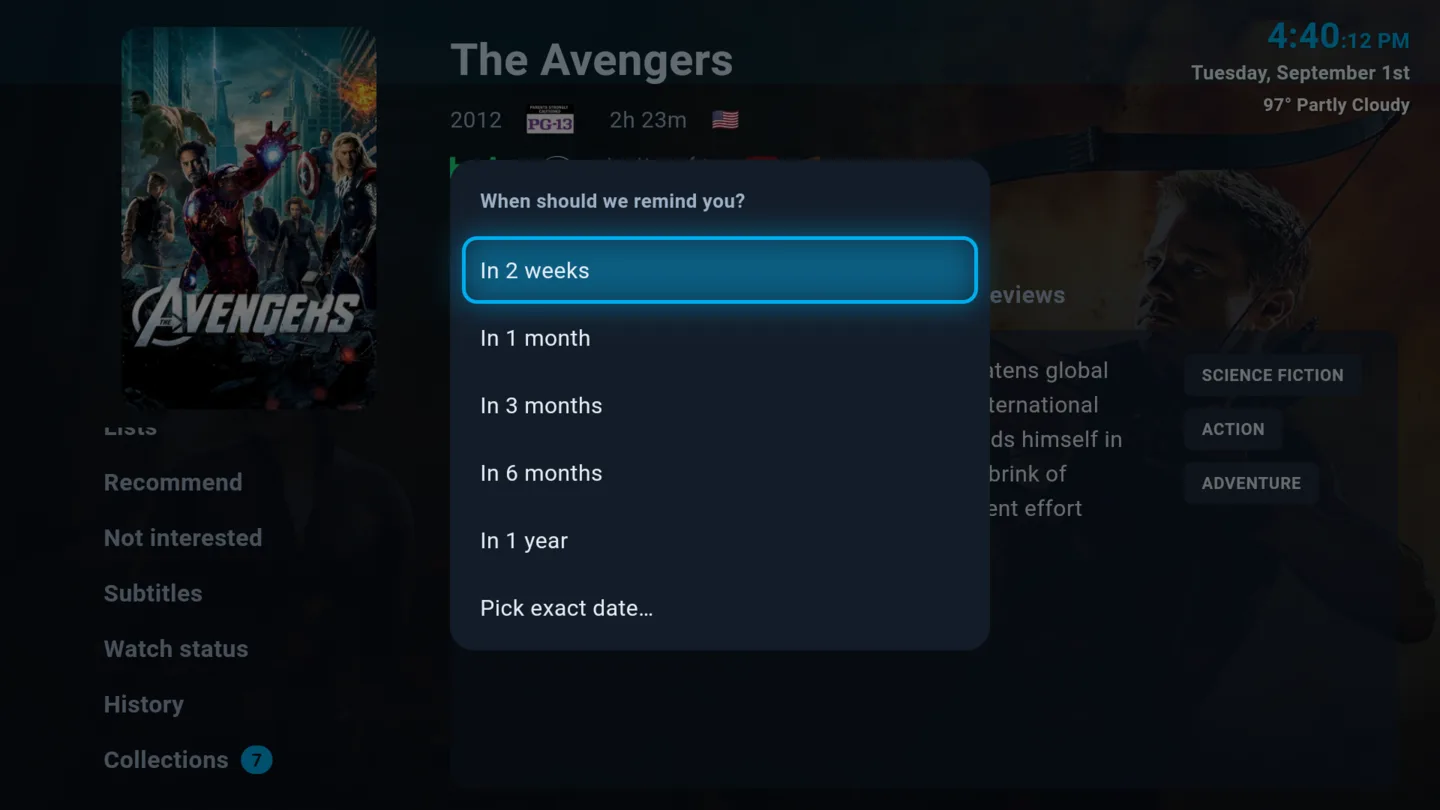
- Mark it now and get told when it starts streaming
Read the news without leaving the couch
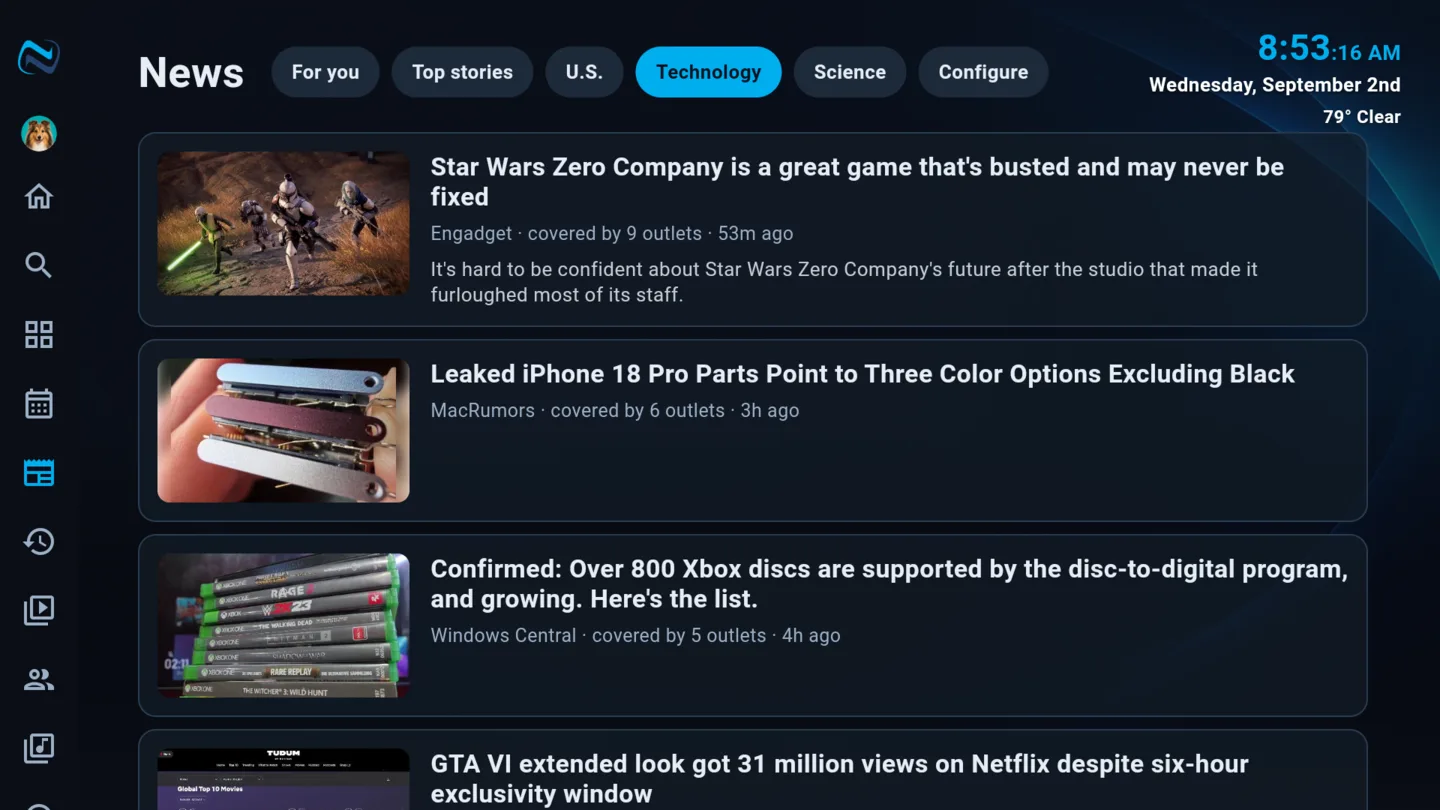
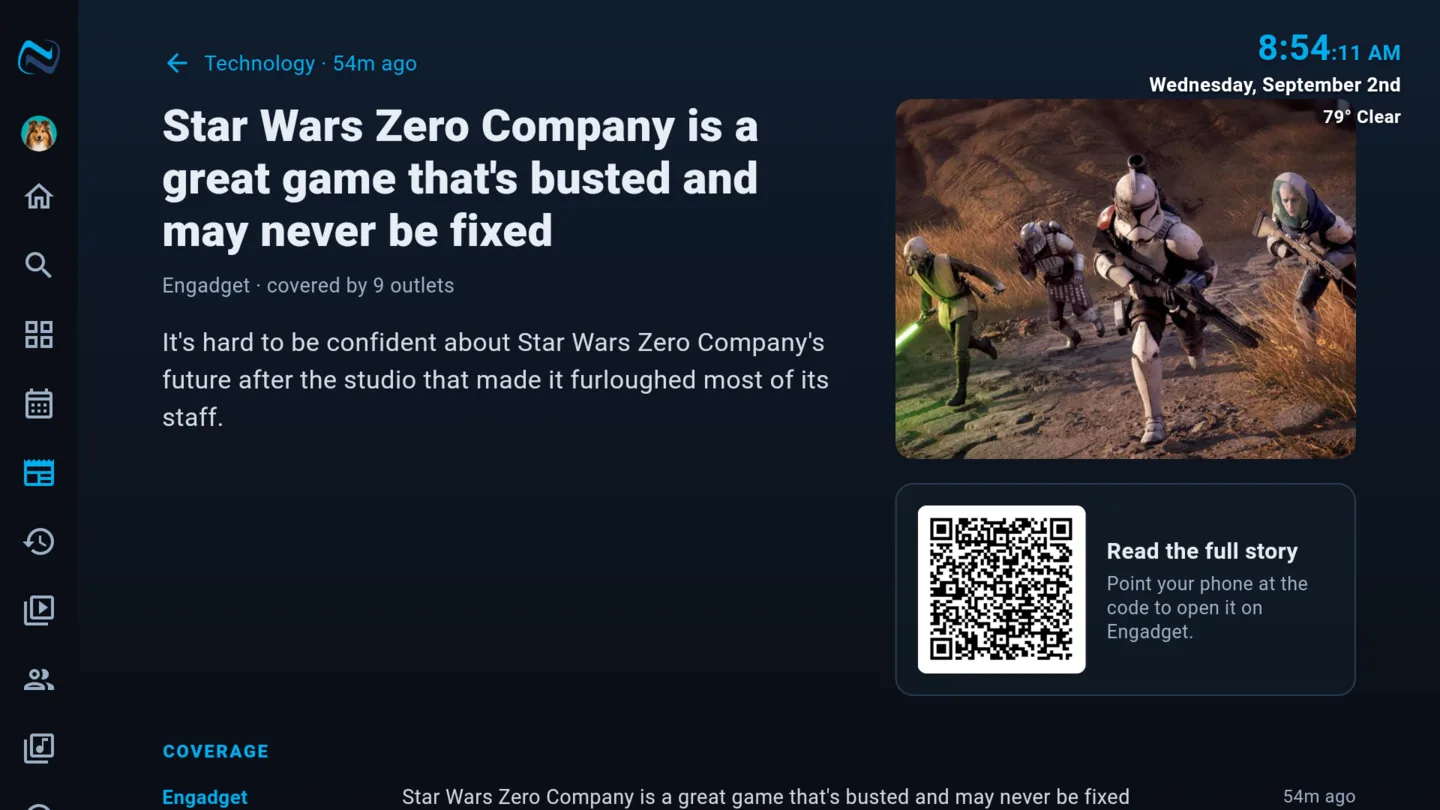
Headlines grouped by story rather than by outlet, so ten write-ups of the same event are one card with ten sources - and the entertainment category links straight back to the titles and people it mentions.
- Grouped by story, not by feed
- Pick the categories you care about
- Entertainment stories link to the film, show or person
Your rating, and everyone else's
Rate what you watch and NaboTV remembers - per profile, so your rating is yours and not the household's. Alongside it you get the ratings that already exist for a title, so you can tell a genuine favorite from something four people liked.
- Per-profile star ratings
- Weighted scores, so a 10.0 from four voters does not outrank a 8.4 from forty thousand
- Your own ratings feed what gets recommended to you
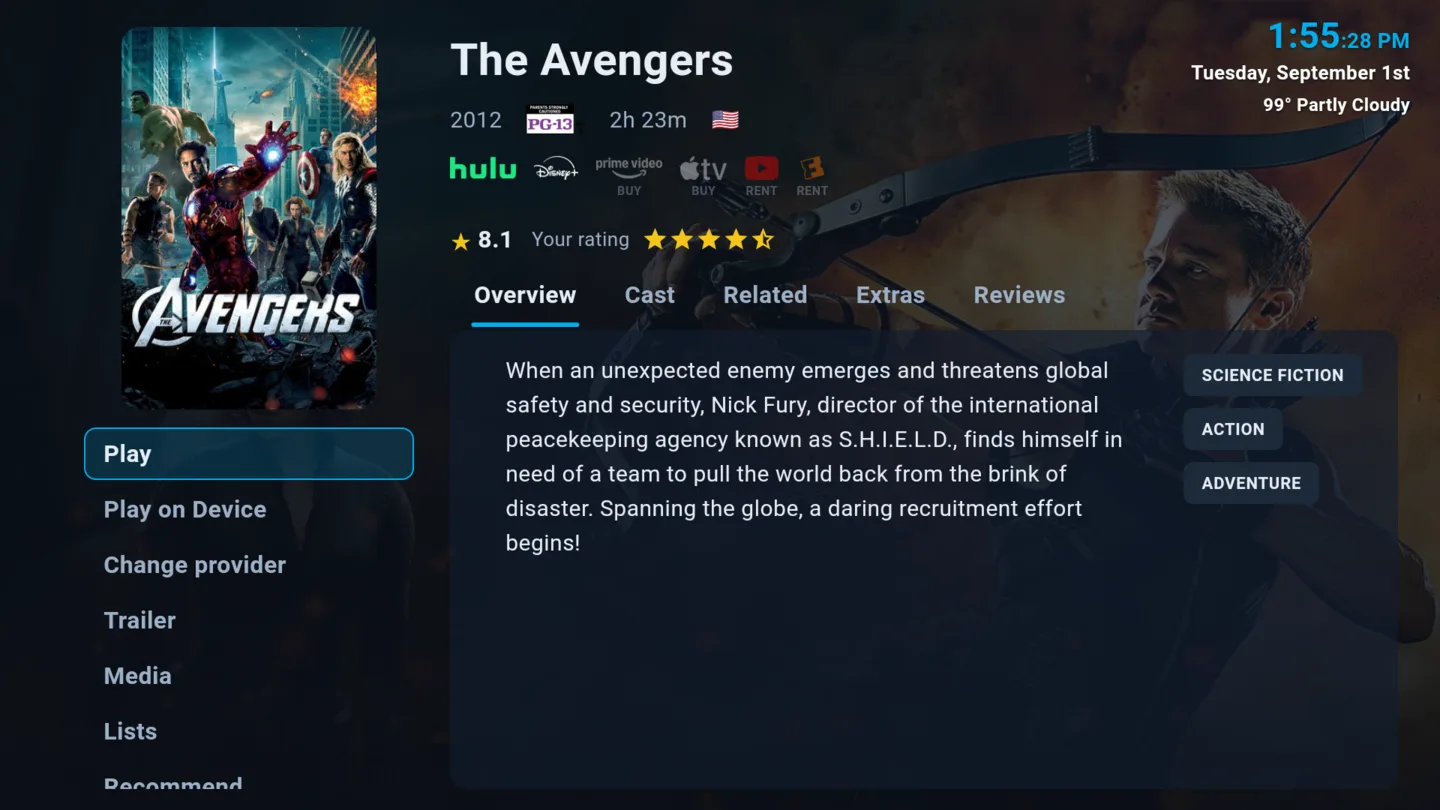
Recommend to friends, and hear back
Send a title straight to a friend on NaboTV with a note about why. Their recommendations arrive in a rail of their own, so the things worth watching come from people you trust rather than only from an algorithm.
- Recommend across accounts, with a message
- Incoming recommendations get their own place on Home
- See what friends are watching, if they want you to
Subtitles that fix themselves
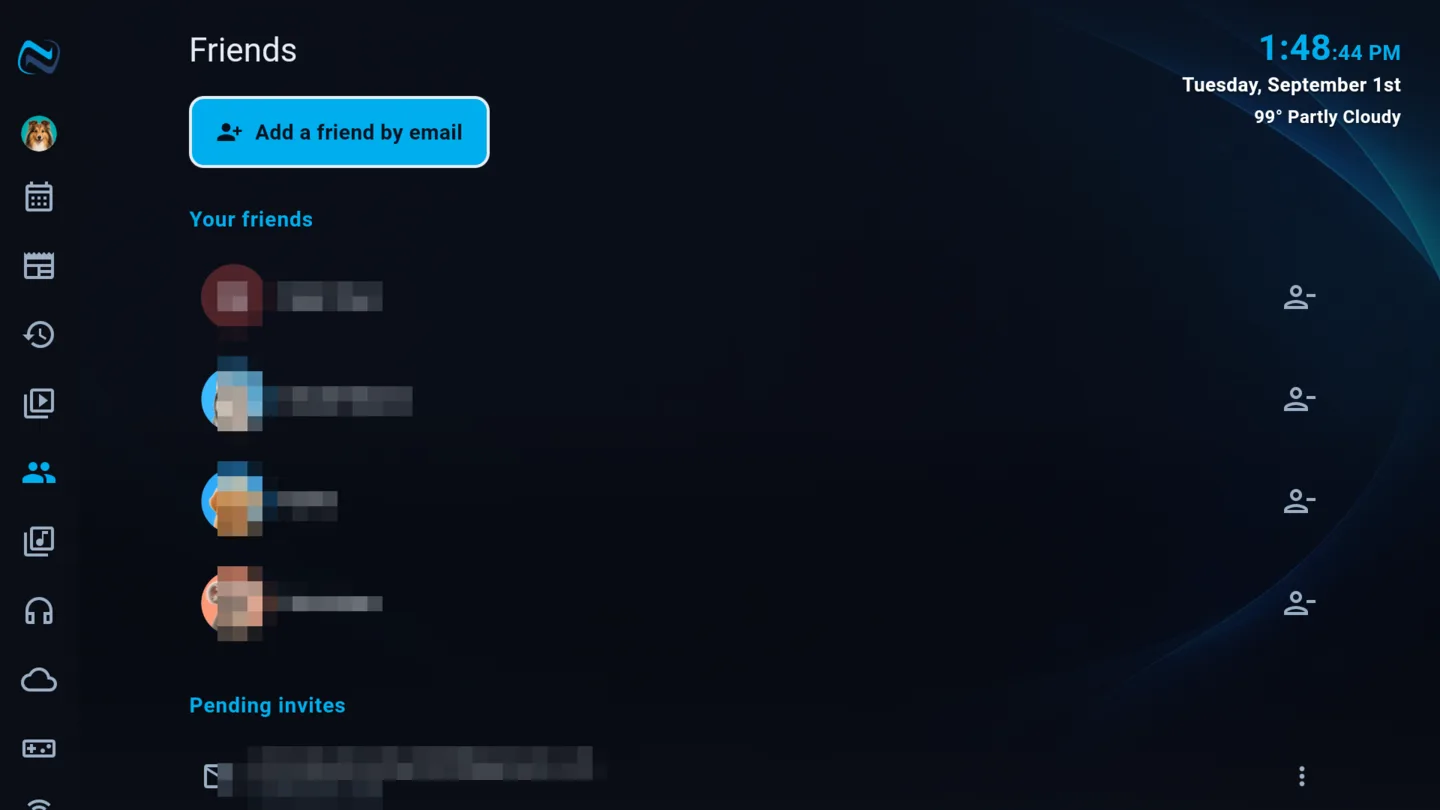
Everyone has hit the subtitle file that runs three seconds ahead, or drifts further out with every ad break. NaboTV fixes it for you: it listens to a few short stretches of the actual audio, finds those lines in the file, and retimes every cue to match what was said. Not one blanket shift - a map of the whole episode, so a file that drifts is corrected everywhere it drifts. The words stay exactly as written; only the timing changes.
- Fix timing automatically, from the player, in about a minute
- Corrects drift and jumps, not just a constant offset
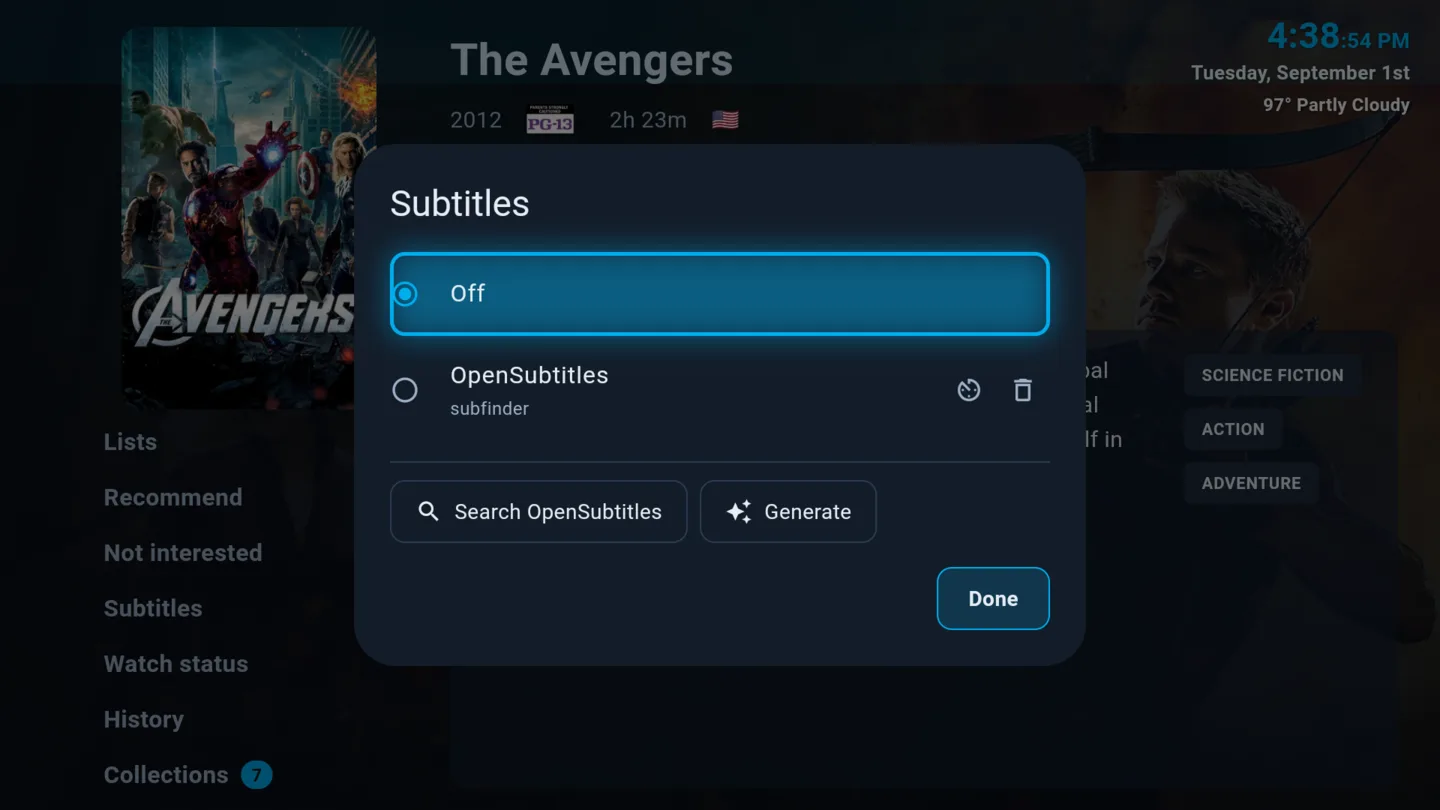
- Fetches from OpenSubtitles when a file has none
- Generates them with Whisper when nothing exists anywhere
- Your size, color and position, remembered everywhere
Put a show on a schedule
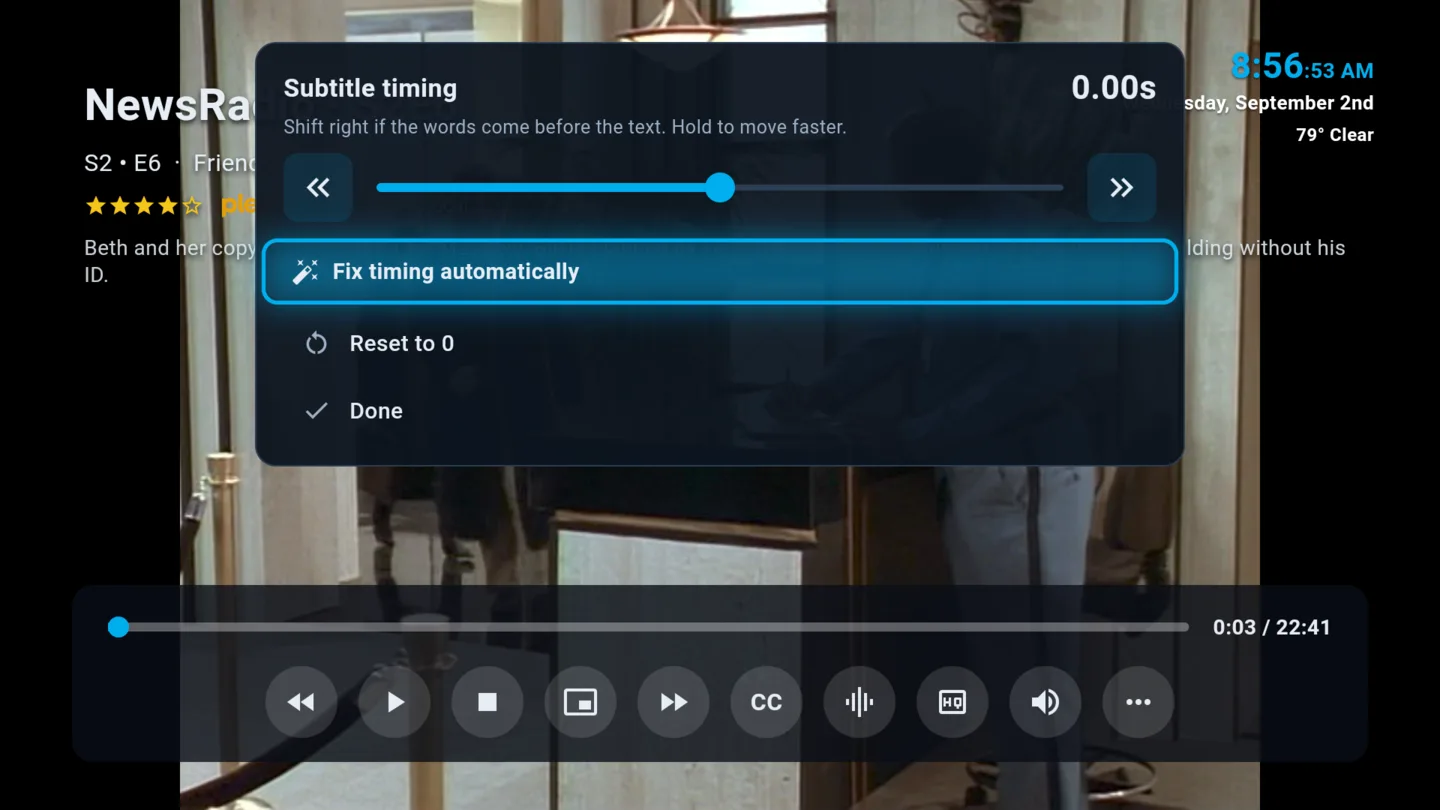
Plan a rewatch, or pace a series deliberately: a few episodes a week rather than the whole thing in a weekend. NaboTV queues what is due and tells you when tonight's episode is ready.
- Pace a series over weeks instead of a binge
- Scheduled titles get their own rail
- Nothing is marked watched on your behalf
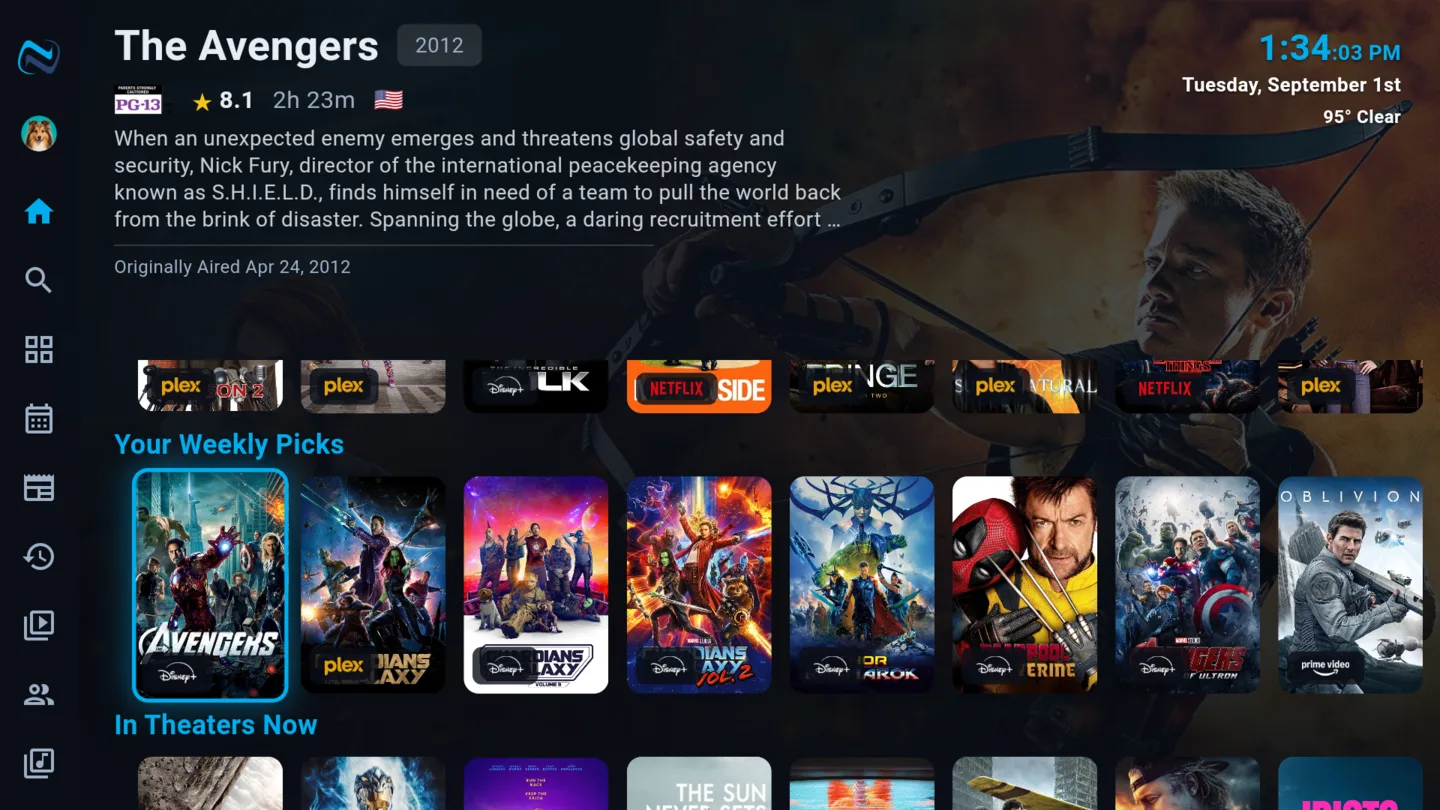
Ten things worth your time
A fresh set every week, built from what you have actually enjoyed - what you rated highly, what you finished, the people whose work you keep coming back to. It leaves out what you are already watching, already listed, and already part-way through.
- Built from ratings AND from how deeply you watched
- Never suggests something you have started or listed
- Refresh it whenever you like
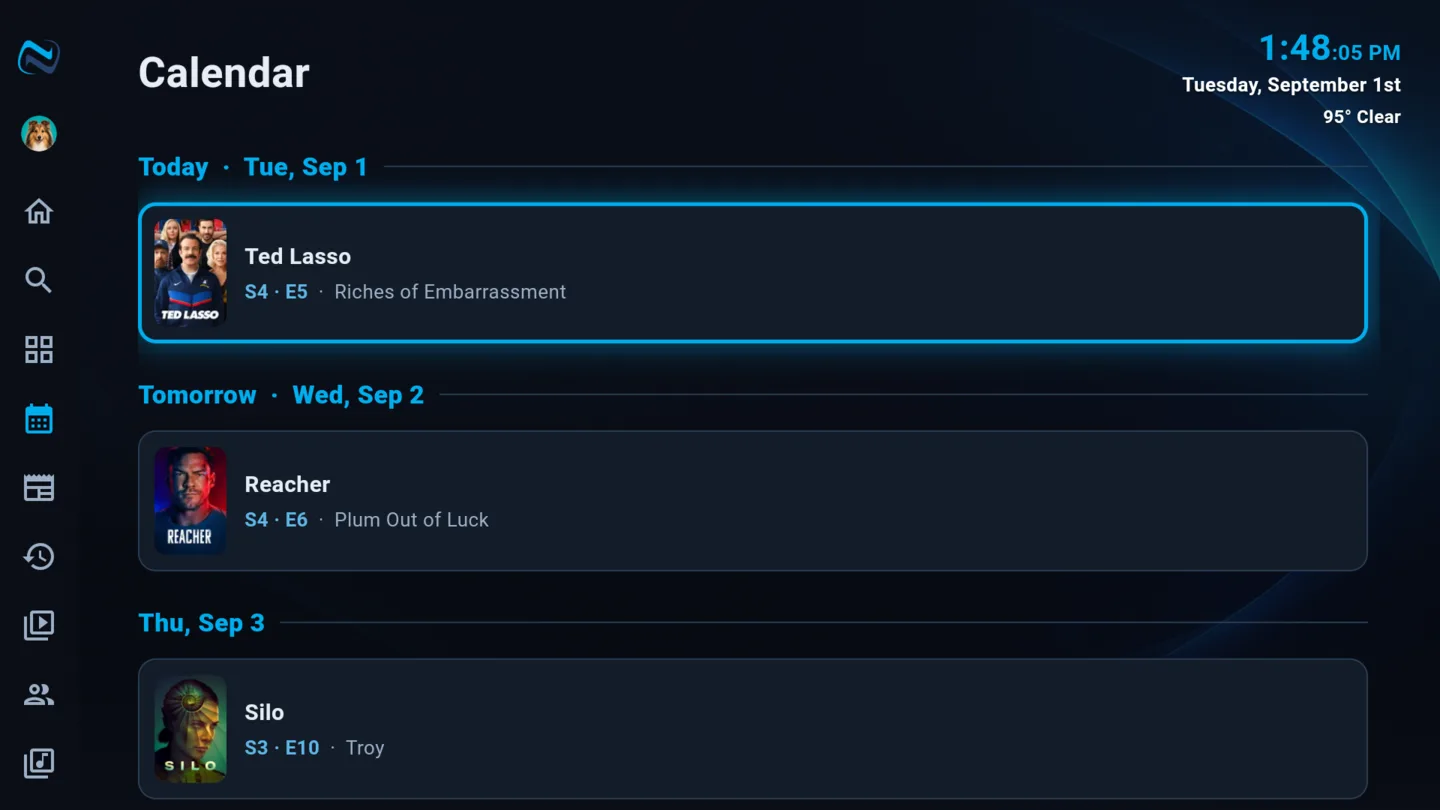
Know what's coming, and when you can watch it
A calendar of the episodes and films you are waiting for, and an alert the moment something you marked becomes available on a service you already pay for - rather than you checking back every few weeks.
- A release calendar for the shows you follow
- Told when a marked title lands on your services
- Availability tracked per country
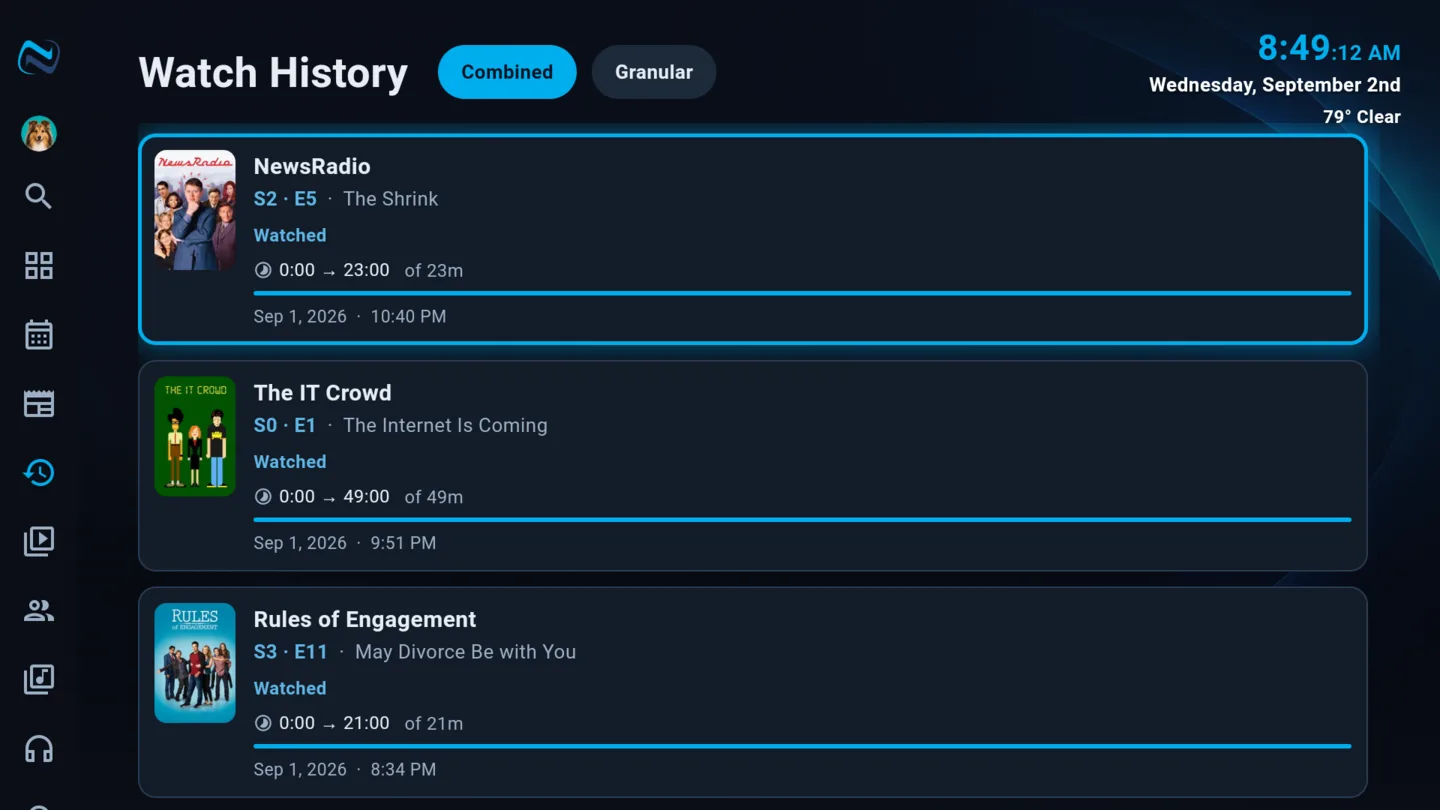
Complete watch history. Forever.
Every episode, every film, every rewatch - kept. Not a rolling window, not the last ninety days. Your history follows your profile across every device, and merges what you watched in Plex, Emby, Jellyfin and on your streaming services into one record.
- Nothing is aged out
- Written back to Plex, Emby and Jellyfin so they agree
- Per profile, so the household's viewing is not pooled
A screensaver worth watching
Aerial footage, your own photos, the weather, the news, and things worth knowing about what you watch - it cross-fades, it never jumps, and it will quietly tell you a fact about the film you finished last night.
- Cross-fades between everything, never a hard cut
- Your photos, aerial footage, or both
- Weather, time, and trivia drawn from your library
- Headlines from the news categories you follow, while the TV is idle

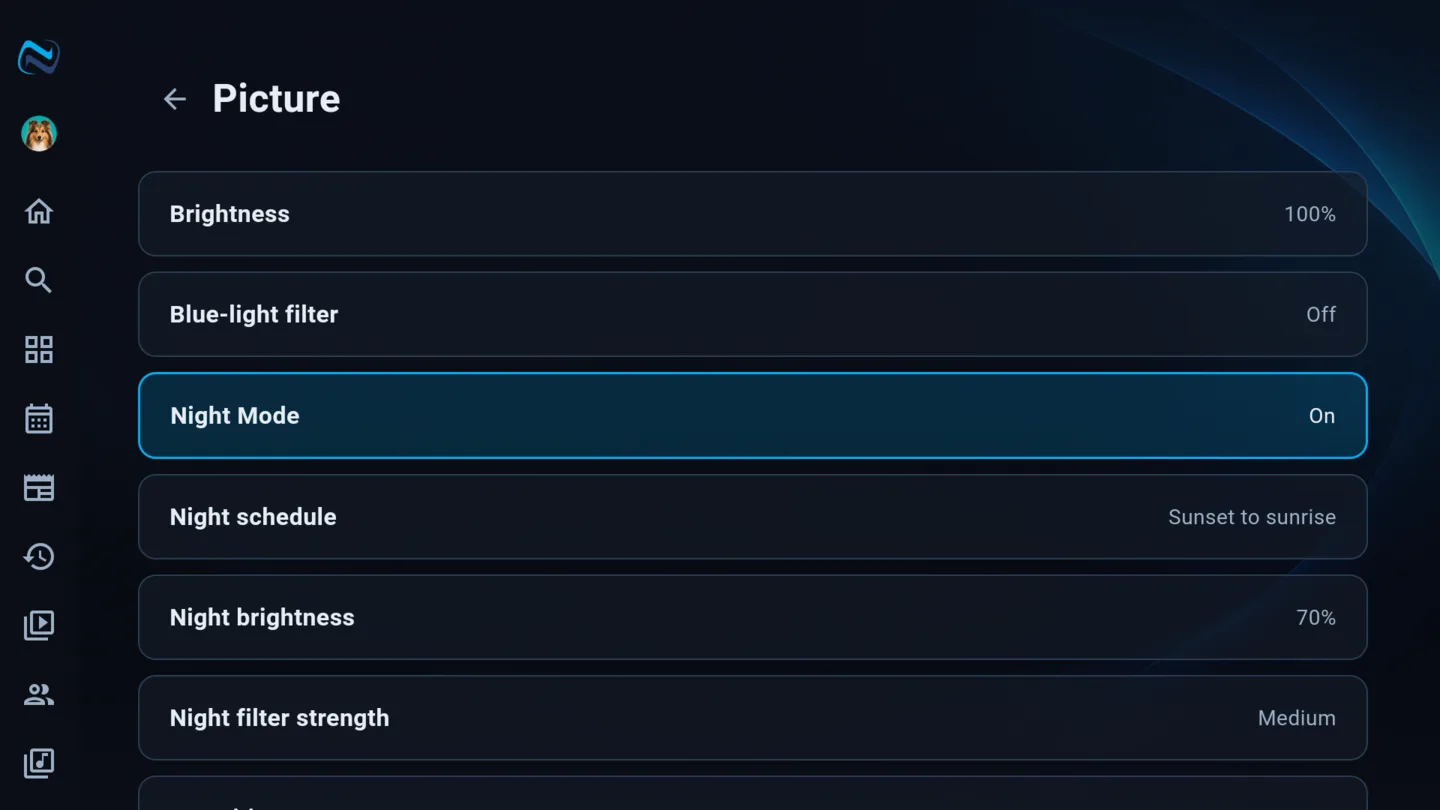
Easier on the eyes after dark
The whole interface settles down at night: dimmer surfaces, gentler contrast, and a picture that is not a floodlight at midnight. It follows a schedule you set, so you do not have to think about it.
- Dims the interface, not just the video
- On a schedule, or on demand
- Per device, because the bedroom is not the living room
See it for yourself
NaboTV is free to try on Android TV, Fire TV, Apple TV, the web, and your phone.