A free app for Android TV, Google TV, Fire TV and Apple TV, plus your phone and browser
One app for everything you watch.
NaboTV is not a TV and not another streaming service. It is the guide that sits in front of the ones you already pay for: Netflix, Disney+, Prime Video, Hulu, Max and the rest, plus your own Plex, Emby or Jellyfin library. Browse and search everything in one place, see only what you can actually watch, and press play; NaboTV opens it in the right app.












Your whole watching life, on one screen
Live captures from the app running on Android TV and Amazon Fire TV.
Pick up anything, on any source
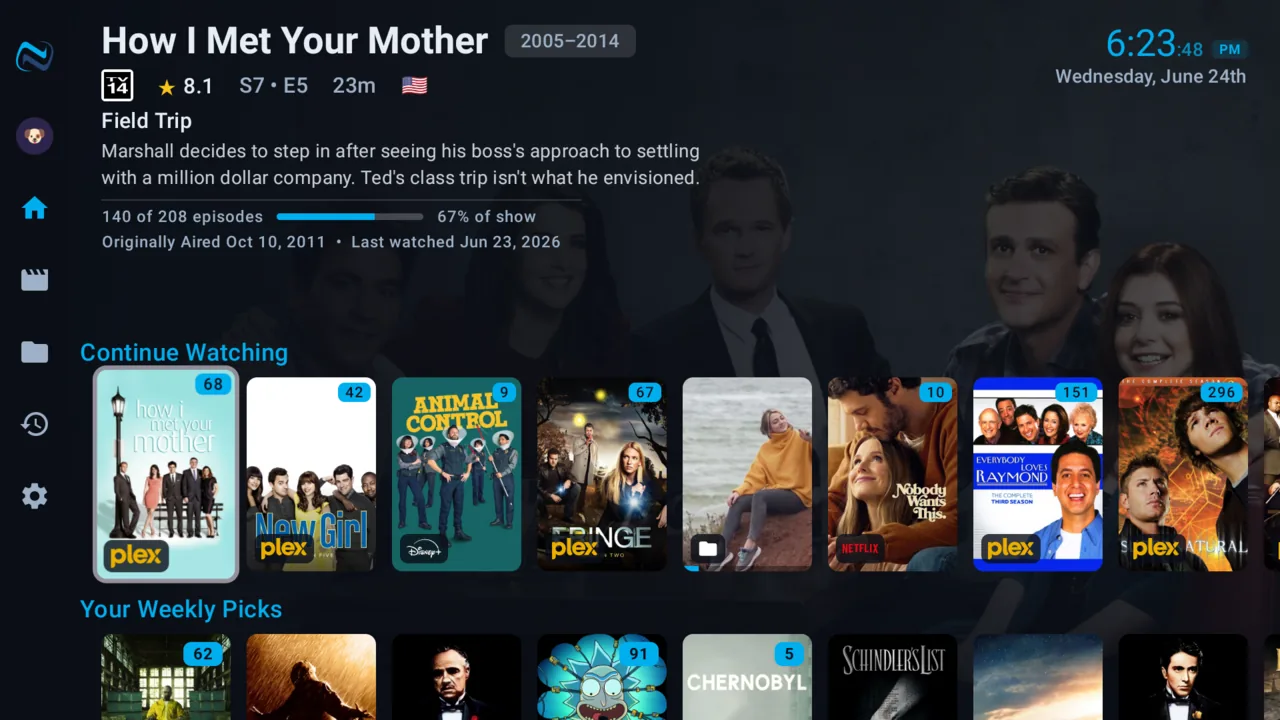
One Continue Watching across every service and your own library. The badges show exactly where a title is watchable, and one tap launches the right app at the right episode.
- Episode-level resume, wherever you left off
- Provider badges: Plex, Peacock, Disney+, Hulu, Prime…
- Rewatches kept separate from your watch history
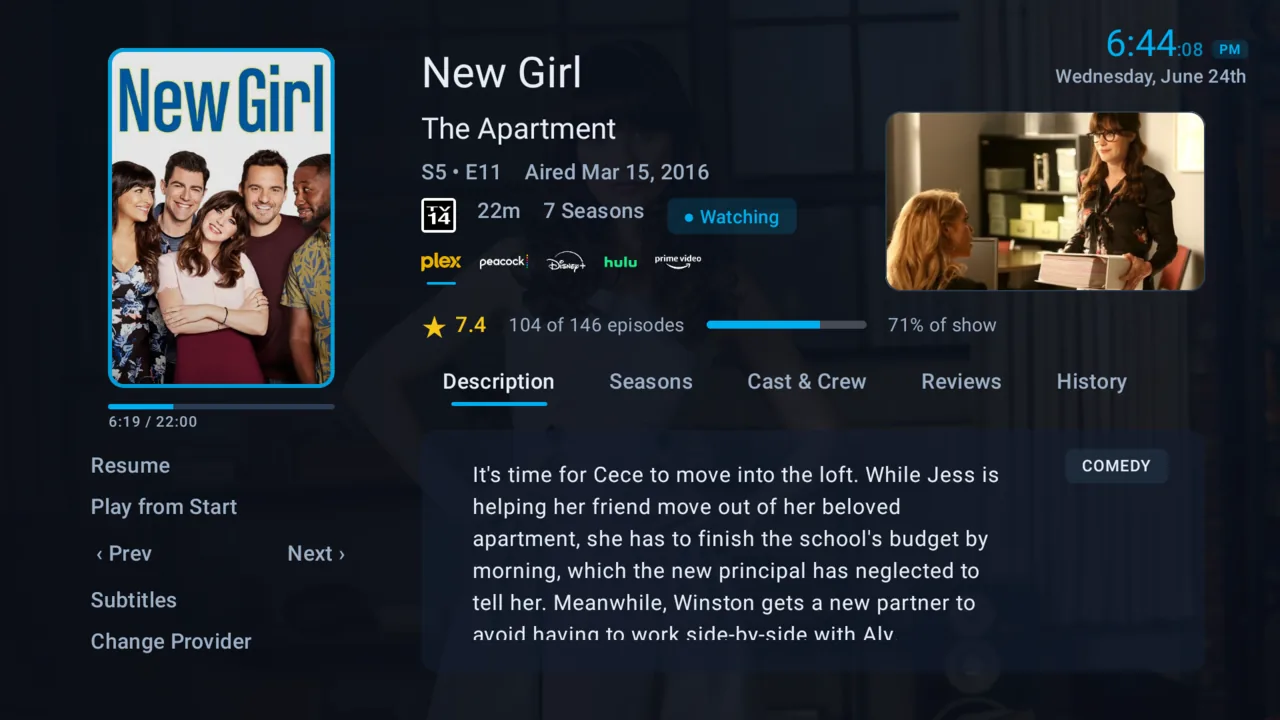
Your library and subscriptions, unified
Personal media and commercial streaming, side by side in one home: the same rails, the same search, the same place. Your Plex library is a first-class citizen, not a separate app you have to remember to open.
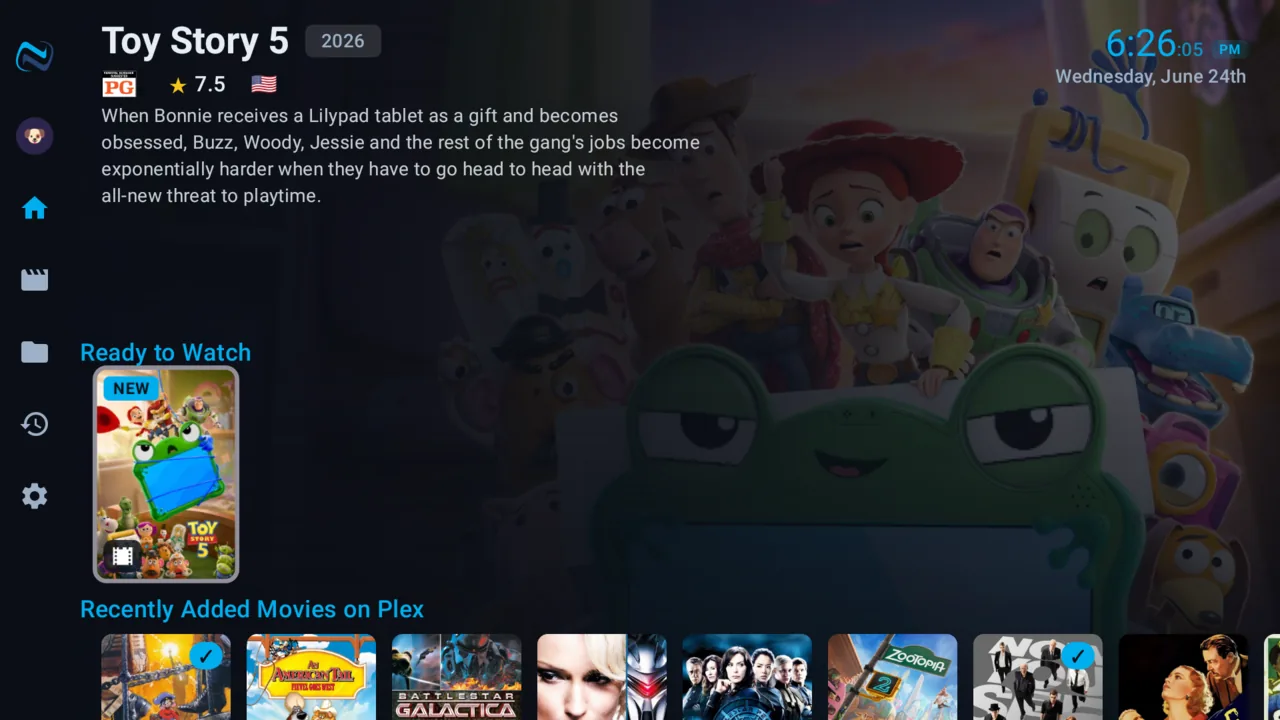
The whole catalog, your sources
Subscription-aware rails, Ready to Watch, Recently Added on Plex, new releases and more, drawn from a full catalog of every movie and show, not just what happens to be installed. It highlights what you can actually watch and dims what you can't. No rent-or-buy bait.
A built-in player that beats Plex's own
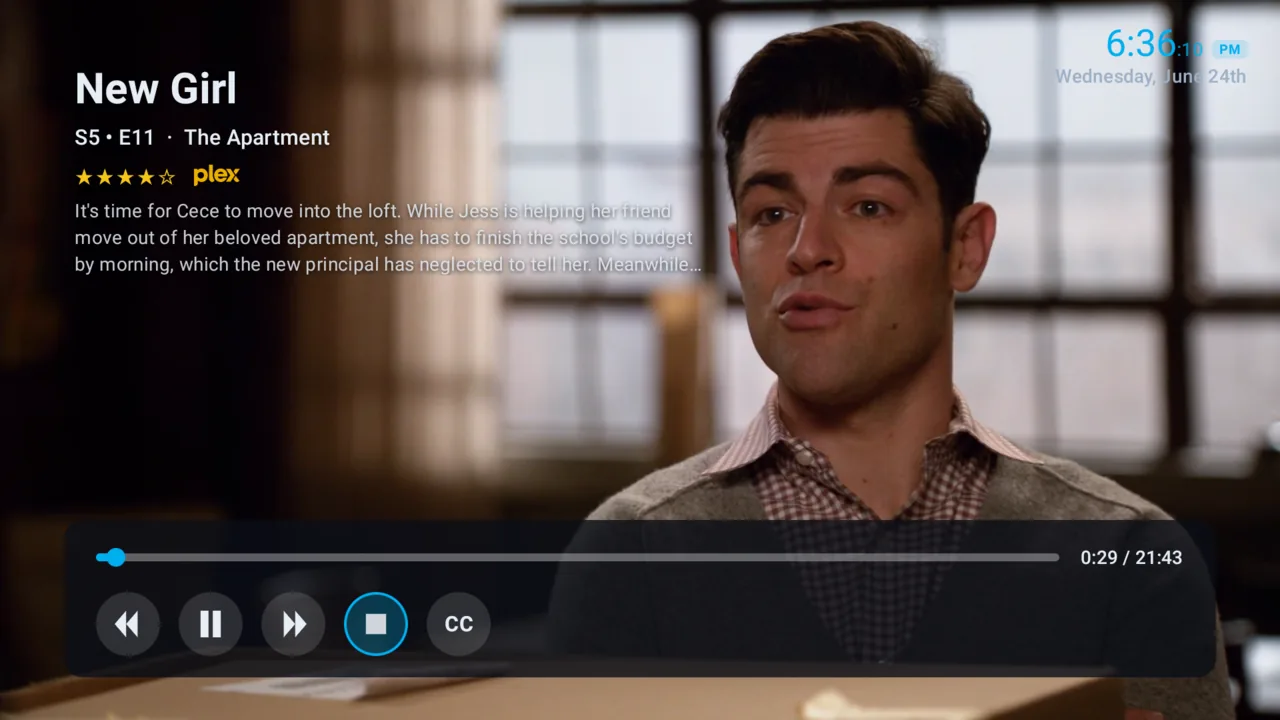
Your personal media, Plex, Emby, Jellyfin, plays in NaboTV's own player: more reliable and sharper, with resume and subtitles built in. Your progress writes back to your server as you watch, so its own apps stay in step. Streaming services still launch in their native apps.
- Automatic subtitles, even when your file has none
- Resume across every device, right where you left off
Whole universes, in the right order
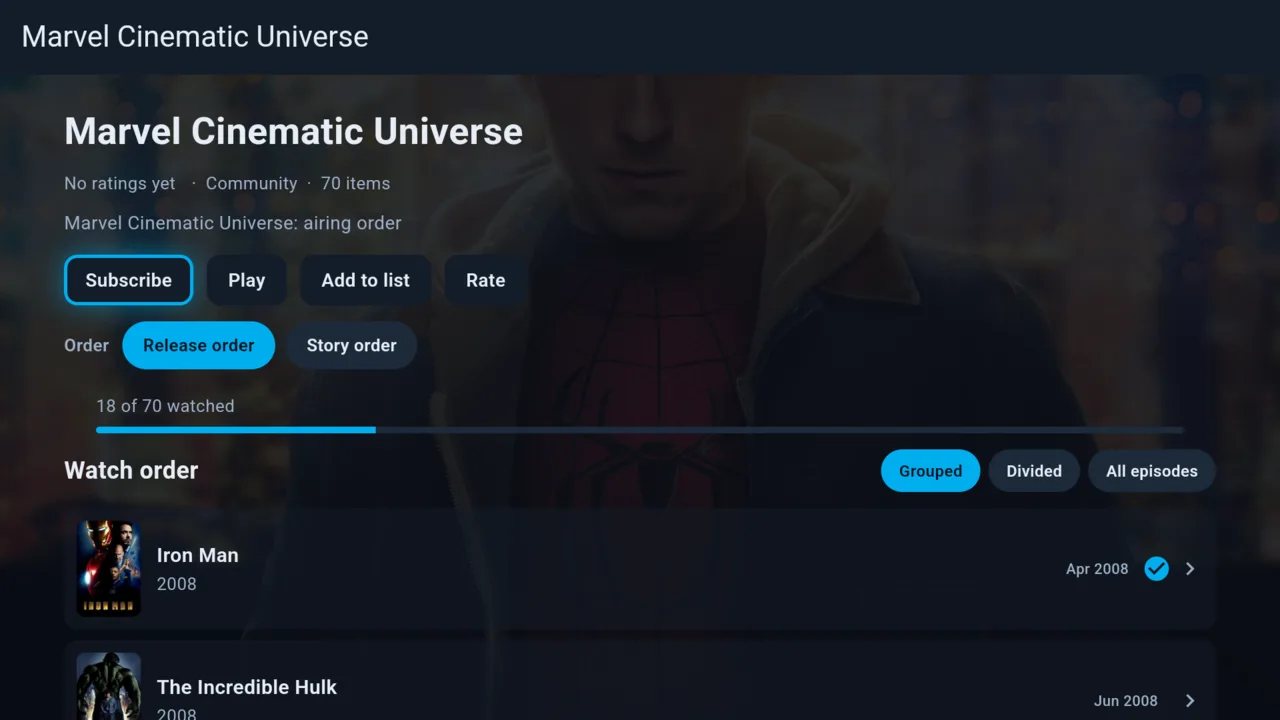
Subscribe to a franchise and watch it straight through: all 70 entries of the Marvel Cinematic Universe in release or story order, with your progress tracked across the whole run. When a universe mixes movies and shows, NaboTV interleaves the episodes exactly where they belong, so Arrow hands off to The Flash the week it did on air.
- Release order or story order, your choice at subscribe time
- One progress bar across movies and shows alike
- Grouped, divided or episode-by-episode views
Built for the living room, and the phone
NaboTV is a platform, not just an app: it runs games and add-on modules, with an open developer platform at developer.nabo.tv.
Open to everyone
Create a free account, install NaboTV on your TV, and pair it with the code it shows. It works on phones, tablets and the web too.
Set up your TV in seconds
Open NaboTV on your Android TV, then enter the code it shows you here to pair this account.
Pair a TV